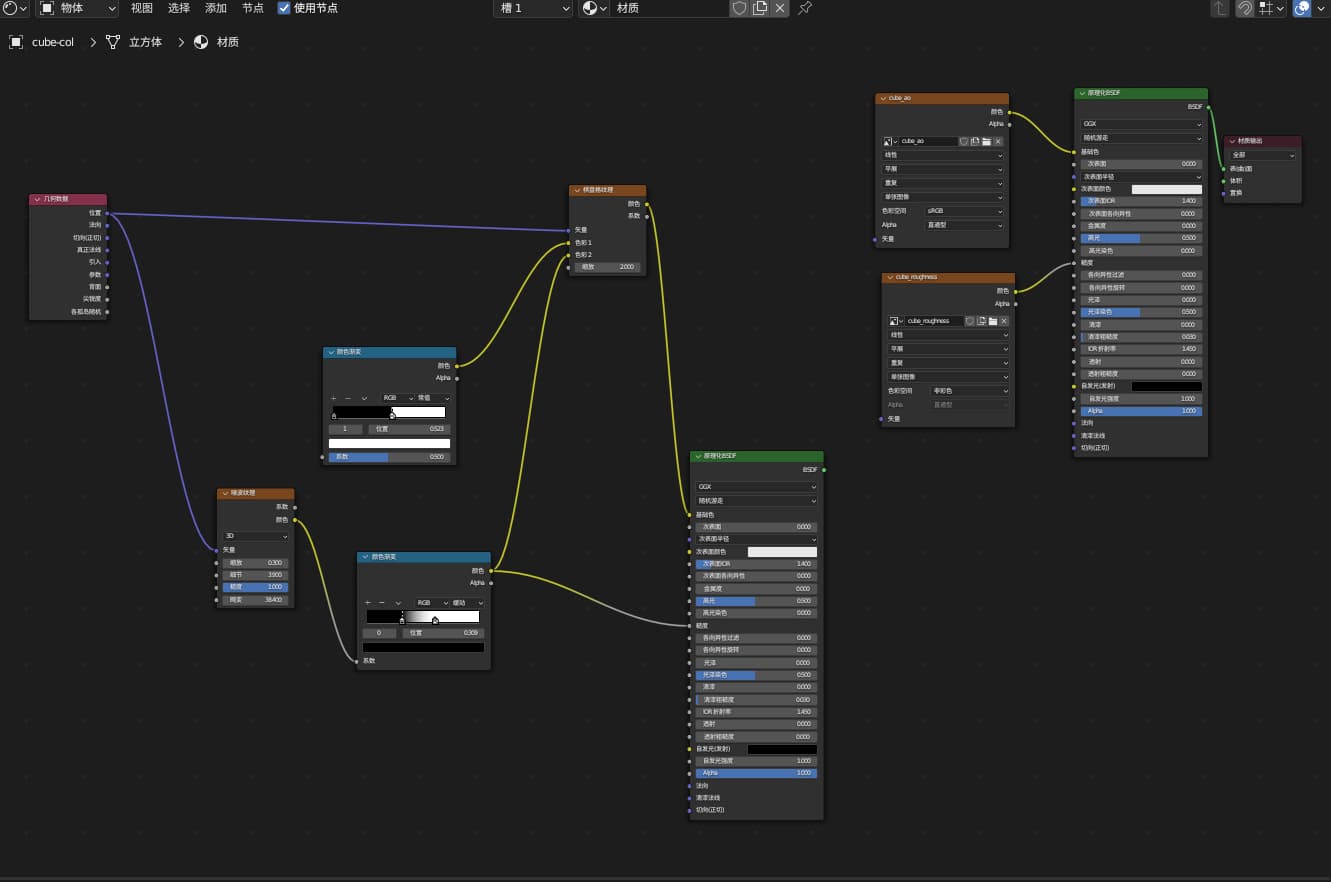
Blender Bake
烘培配置
- 确保选中物体 UV 展开
- 选择渲染引擎 Cycles
- 选择着色器节点中的 Image Texture 作为渲染目标
- 烘培时,原理化节点的 Metalic 应设置为 0,否则生成图像较暗
- 颜色贴图的烘培
- Diffuse 贴图
- 设置 Bake Type 为 Diffuse
- Diffuse 贴图
- 非颜色贴图的烘培
- 使用 Viewer 节点 (Emission Shader, Ctrl+Shift Select),
- Image Texture 使用 Non-Color 颜色空间
- Metallic 贴图
- 设置 Bake Type 为 Emit
UV 配置
- 将原始 UV 贴图烘培到另一 UV 贴图
- 烘培多个物件或材质到同一张贴图